使用cloudflare tunnel SSH远端主机
使用cloudflare tunnel SSH远端主机
cloudflare tunnel的介绍可以查看现在我们使用
tunnel通道创建ssh远程远端主机.
前置条件
一台
Linux主机(Centos\Ubuntu)均可以- 参考`https://www.kningyuan.top/post/10020.html`一个已经托管在
cloudflare的域名- 参考`https://www.kningyuan.top/post/10031.html`
服务器端
创建tunnel
# 登录cloudflare
cloudflared tunnel login
# 创建一个tunnel,名字自定,这里用my-tunnel
cloudflared tunnel create ssh
# 查看tunnel,会有一个显示ID,xxxx-xxx-xxx-xxxxx 的名称
cloudflared tunnel list
# 更新dns
cloudflared tunnel r oute dns ssh ssh.example.com
创建完
tunnel后,就可以创建配置文件,一般创建在用户根目录下的.cloudfared/下
vi .cloudfalred/config.ymltunnel: xxxxxxxx-xxxx-xxxx-xxxx-xxxxxxxxxxxx credentials-file: .cloudflared/xxxxxxxx-xxxx-xxxx-xxxx-xxxxxxxxxxxx.json ingress: # ssh - hostname: ssh.example.com service: ssh://localhost注意服务使用的是
ssh运行
tunnelcloudflared tunnel run ssh
客户端
客户端需要下载cloudflared,设定在发起
ssh.example.com访问时使用cloudflared来发起ssh如何客户端使用的是
windows,可以参考https://www.kningyuan.top/post/10007.html,安装git软件.安装完成后需要配置一下
.ssh/config文件.Host ssh.example.com ProxyCommand C:\\cloudflared\\cloudflared.exe access ssh --hostname %h针对
ssh.example.com发起ssh访问的是cloudflared.使用
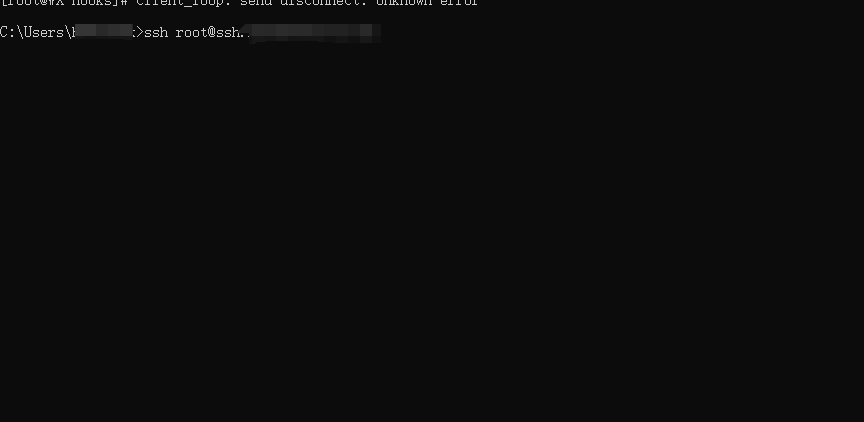
git bash尝试对ssh.example.com发起ssh访问
本博客所有文章除特别声明外,均采用 CC BY-NC-SA 4.0 许可协议。转载请注明来源 WenYan Blog!
 wechat
- alipay


相关推荐


评论